AI Age Filter
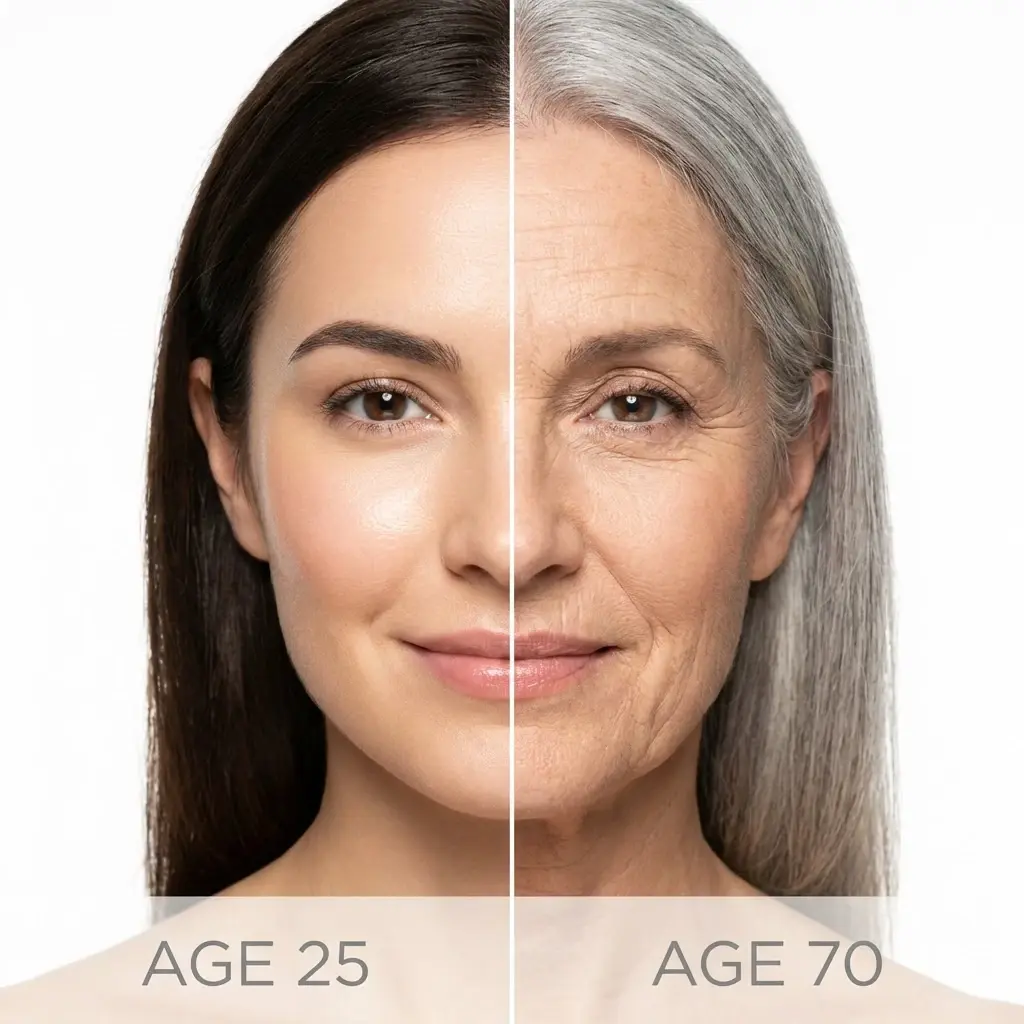
See yourself at any age in seconds. Upload your photo, pick a target age from baby to 80+, and generate realistic transformations.
✓ Free 2 tries · ✓ No credit card · ✓ HD downloads

Age Filter
Your Photo
Gender
Target Age
How AI Age Filter works
Upload a clear, front-facing image so AI Age Filter can accurately map your facial features for age transformation.
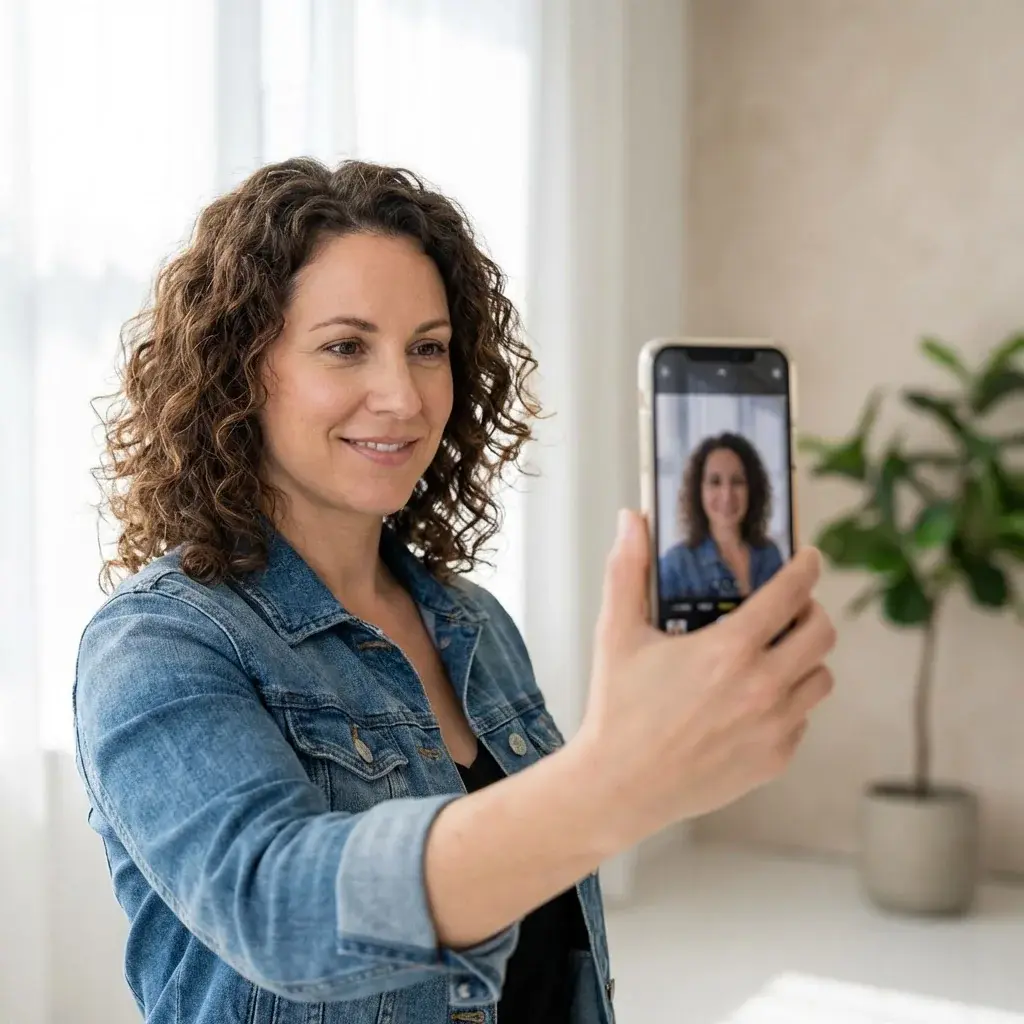
Upload a clear, front-facing image so AI Age Filter can accurately map your facial features for age transformation.
Select your gender and pick a target age from 10 presets. AI Age Filter uses both to generate accurate results.

Select your gender and pick a target age from 10 presets. AI Age Filter uses both to generate accurate results.
AI Age Filter transforms your photo in seconds. Download the result or try another age to compare.
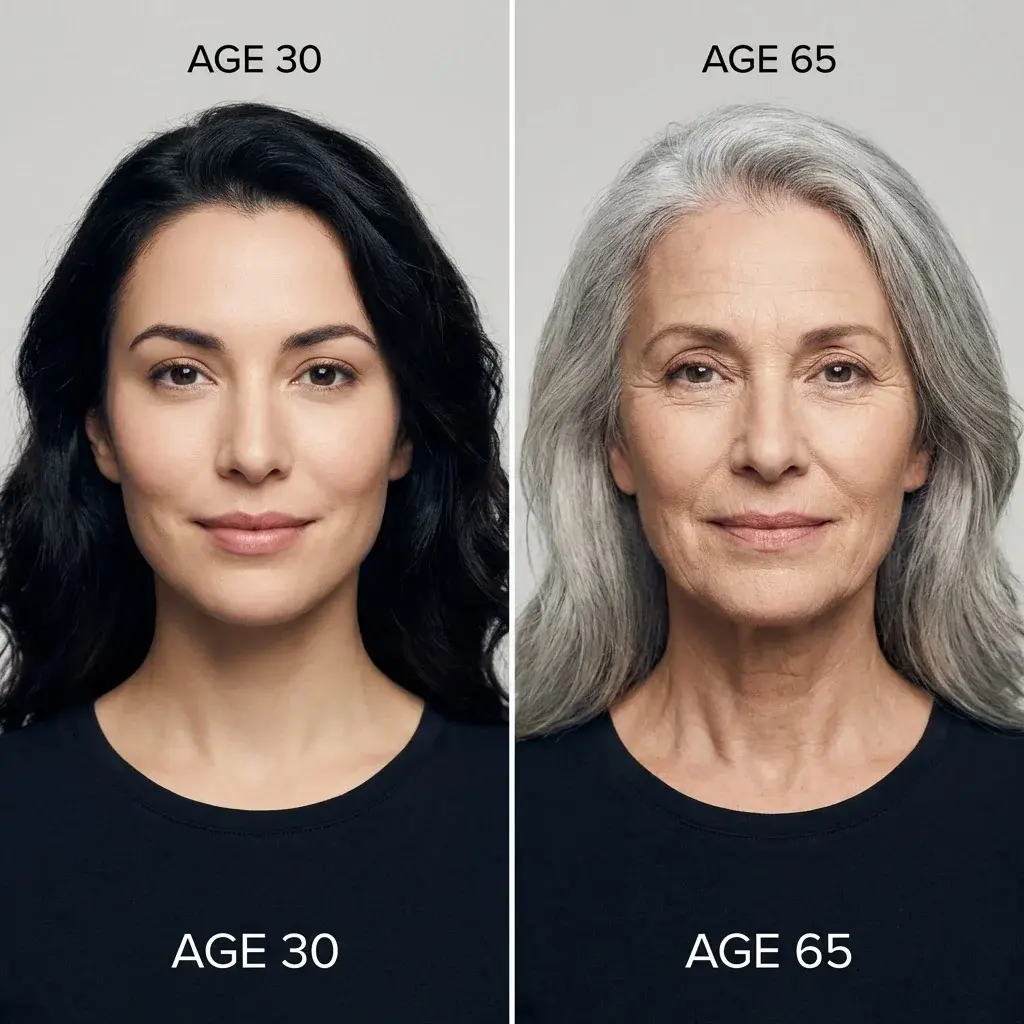
AI Age Filter transforms your photo in seconds. Download the result or try another age to compare.
Pick a moment. See yourself through time.
Choose the situation that fits you. HairIsEverything AI Age Filter will transform your photo to match the age you're curious about.
The Party Trick
Pure entertainment

Try extreme ages for laughs. See yourself as a baby or at 80+ and share the results with friends for a good time.
- ›Extreme ages
- ›Share with friends
- ›Instant laughs
The Nostalgia Trip
What did I look like as a kid?

Curious what you looked like as a baby or child? AI Age Filter de-ages your photo to recreate your younger self.
- ›De-age to childhood
- ›Compare with old photos
- ›Share with family
The Crystal Ball
What will I look like at 70?
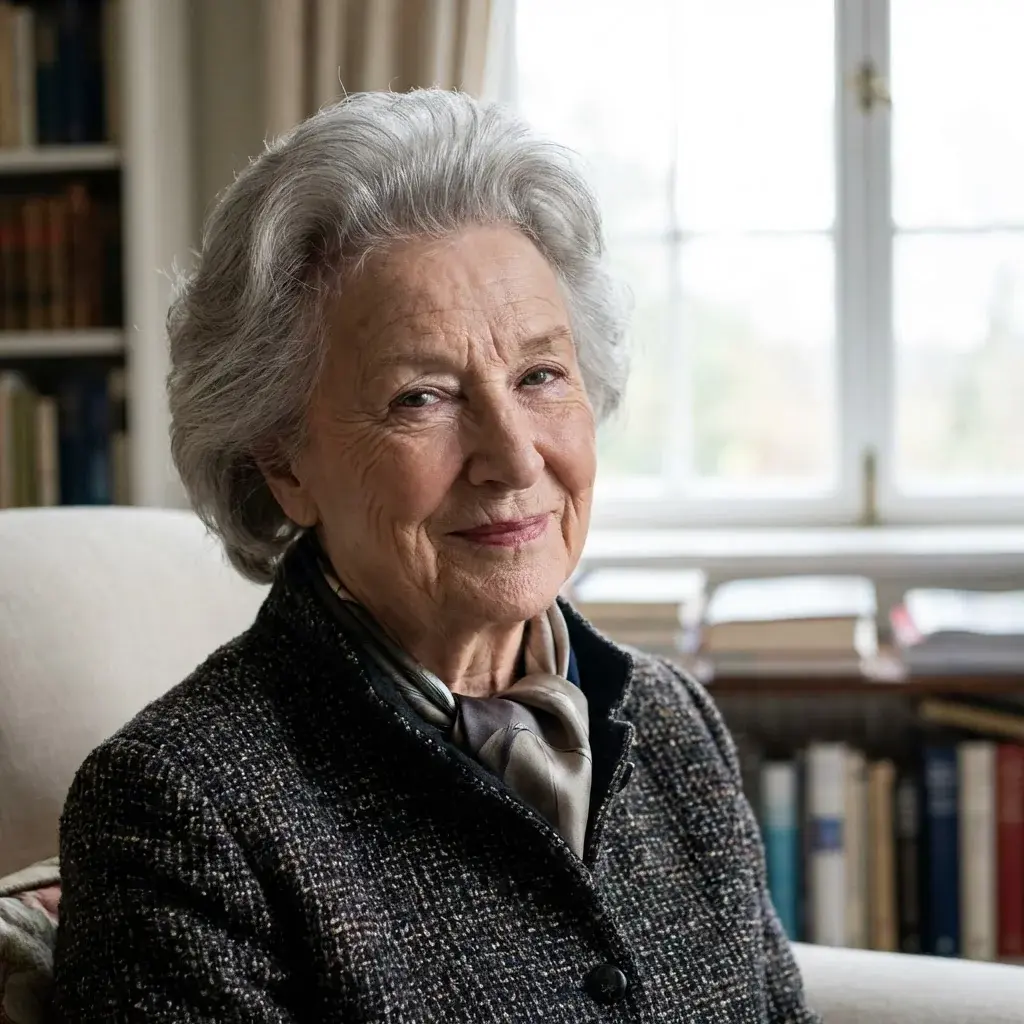
See a realistic preview of how you might age. AI Age Filter shows natural aging progression based on your current features.
- ›Preview future aging
- ›Natural progression
- ›Satisfy curiosity
The Nostalgia Trip
What did I look like as a kid?
Curious what you looked like as a baby or child? AI Age Filter de-ages your photo to recreate your younger self.
- ›De-age to childhood
- ›Compare with old photos
- ›Share with family
Swipe to explore
I used AI Age Filter to see myself at 70 and honestly it was eye-opening. The result looked so natural my mom thought it was a real photo.
Sarah M., Content Creator
Sarah M.
Content Creator
Tried the AI Age Filter baby preset on my photo and sent it to my parents. They said it looked exactly like my baby pictures. Incredible accuracy.
David K., Software Engineer
David K.
Software Engineer
As a photographer, I'm picky about realism. AI Age Filter nails the skin texture changes at every age. No uncanny valley effect.

Mia L., Photographer
Mia L.
Photographer
Posted my AI Age Filter progression on Instagram and it got more engagement than anything I've posted all year. People love this stuff.

Carlos R., Social Media Manager
Carlos R.
Social Media Manager
My students and I used AI Age Filter for a fun class activity. Seeing themselves as seniors had everyone laughing. Great bonding moment.
Emma T., Teacher
Emma T.
Teacher
The identity preservation is what sets AI Age Filter apart. My face structure stays recognizable whether I'm set to 5 or 85. That's hard to do.
Kenji H., Graphic Designer
Kenji H.
Graphic Designer
Claim Your Aesthetic Privilege
Choose the perfect plan to unlock the power of our AI Age Filter.
The Invitation
Includes
- 10 Welcome Credits (2 looks on your face)
- Full-resolution downloads to show your stylist
- Before/After comparison
Lifetime Deal
Everything included
- 60 credits refreshed every month (12 new looks)
- Every feature we build — now and later
- Full-resolution downloads to show your stylist
- No subscription. No renewal. One payment.
Pay As You Go
Includes
- 200 Credits (40 full generations)
- Full-resolution downloads to show your stylist
- Credits never expire — use anytime
- •1 generation = 5 credits
- •Credits are delivered instantly after purchase
- •LTD credits refresh monthly, PAYG credits never expire